Skip to content
+44 (0) 1603 485 153
[email protected]
Part of Bowmonk Ltd
Home
About Us
Close About Us
Open About Us
About Us
Learn more about SmartWeigh
Case Studies
See what our customers say about us
Latest News
See the latest updates from us
Products
Close Products
Open Products
PORTABLE WEIGH PADS
UP TO 7.5T
SW-MINI-4
Up to 3.5t, reads on your phone
SW-COMPACT-4
Up to 7.5t, display and printer
OVER 7.5T - 4 PADS
SW-STANDARD-4
Two-axle rigids and tippers
SW-LARGE-4
Larger pads for wide tyres
SW-HEAVY-4
Over 10t on one wheel
MULTI-AXLE - 6 AND 8 PADS
SW-STANDARD-6
Three axles in one go
SW-STANDARD-8
Four axles in one go
SW-LARGE-8
Four axles on wide tyres
SW-PRO-8
Largest 10t platform
View all weigh pads
Not sure? Use the kit finder
ON-BOARD WEIGHING
Overload Protection Systems
Live weight in the cab, 3.5 to 44 tonne
View systems
Manuals
Testimonials
Contact Us
£
0.00
0
Basket
MANUALS & DOWNLOADS
Everything you need, in one place.
GUIDES
Setup and operation guides.
PDF
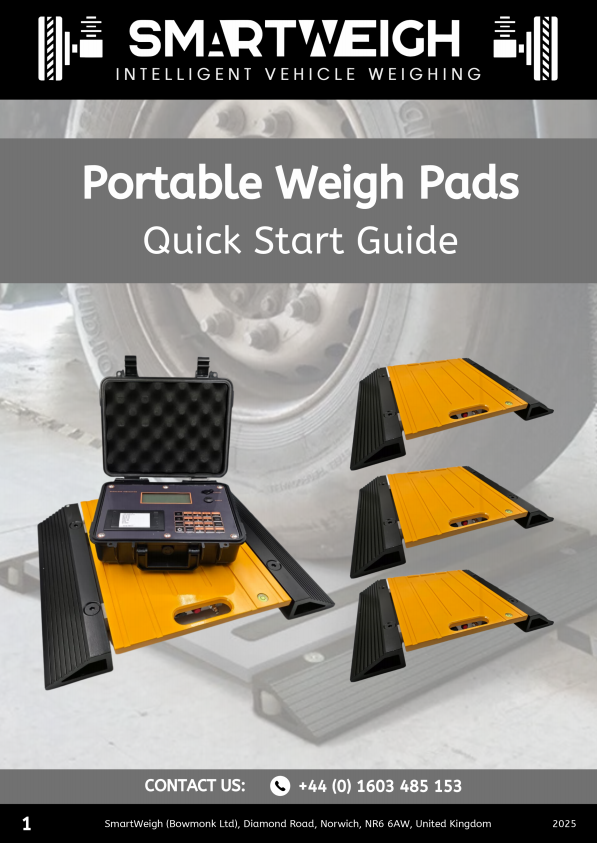
Portable Weigh Pads
Quick Start Guide
Download PDF
PDF
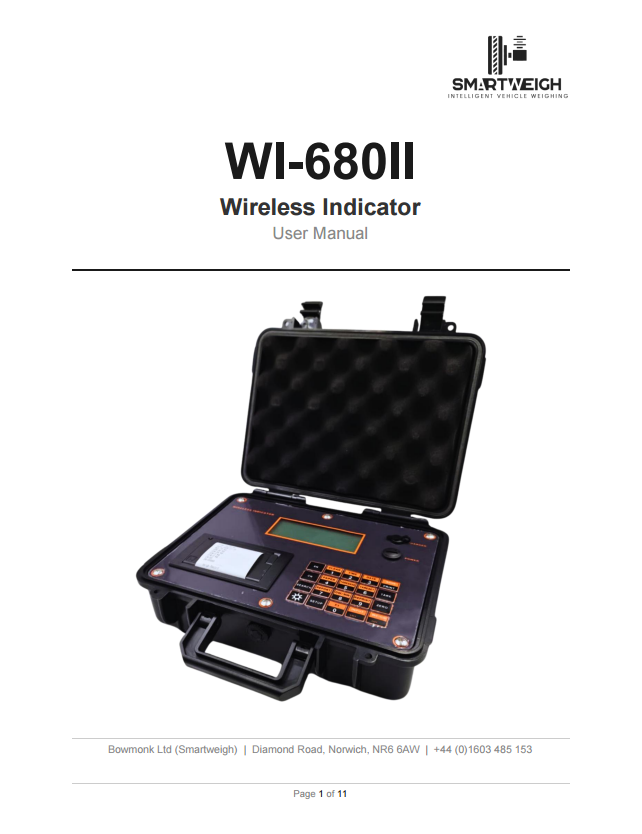
Weigh Pad Indicator
User Manual
Download PDF